Social media reporting tools: choose for the decision after the dashboard
A report is useful only if it changes a decision, communicates progress, or saves recurring work. The right reporting tool depends on who consumes the data and how often.
This page contains Vista Social affiliate links. We may receive a commission when purchases are made through those links.
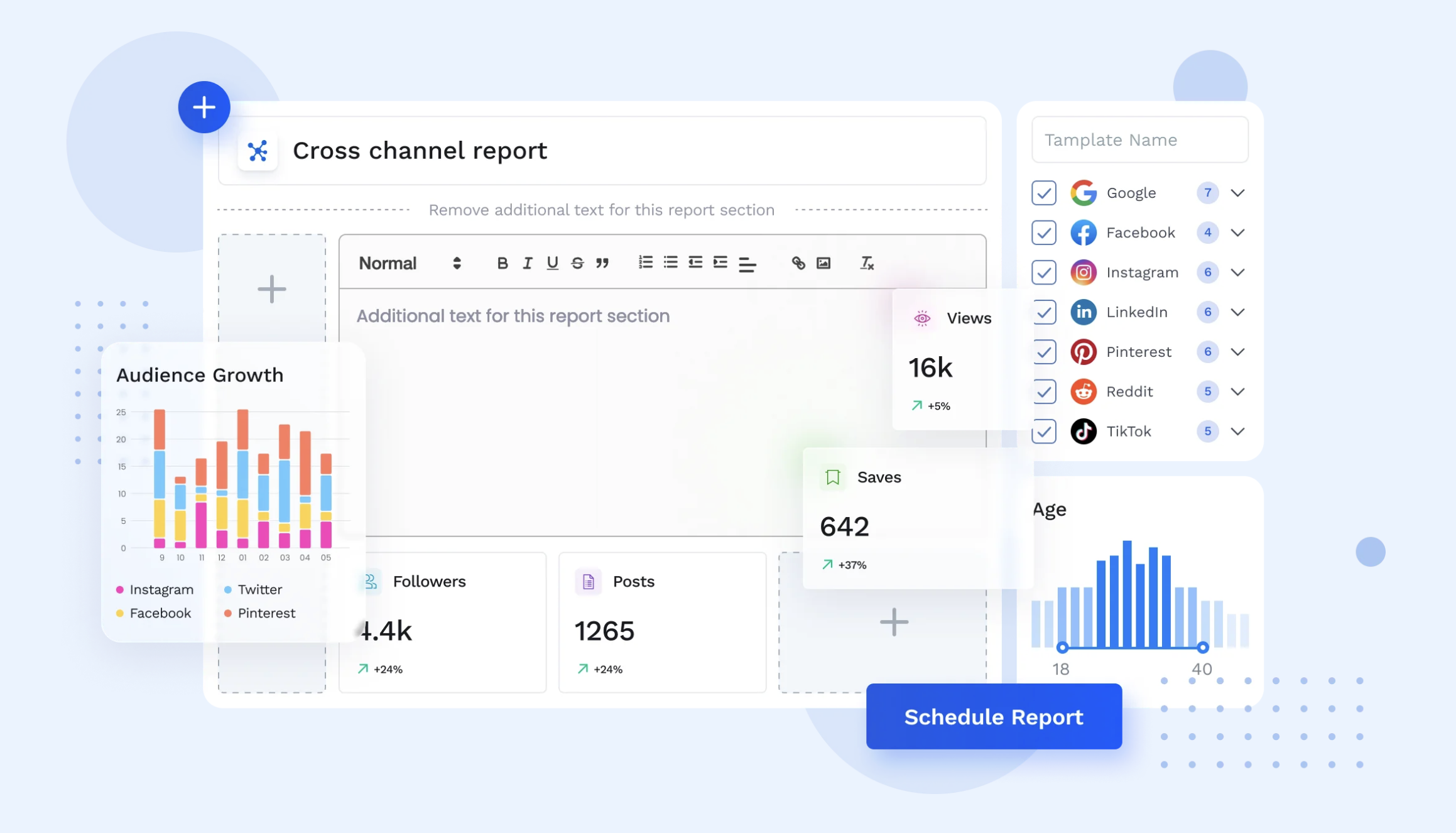
Four reporting jobs
- Operator: what should we post, stop, repeat, or test next?
- Manager: are channels and campaigns moving in the right direction?
- Client: what happened, why does it matter, and what happens next?
- Executive: how does social connect to broader business goals?
What to compare
Check cross-channel views, scheduled delivery, custom report building, white-label presentation, competitor reports, review reports, sentiment/benchmarking availability, export options, and whether the numbers available on your required networks match the decisions you need to make.
Vista Social’s documented reporting workflow
The official affiliate explainer says reporting starts in Reports, where users can run Post, Profile, or Campaign reports, choose metrics and a time range, customize sections, and export as PDF or CSV or share by link.
That is more specific than a generic “analytics included” claim and gives you a concrete workflow to test.
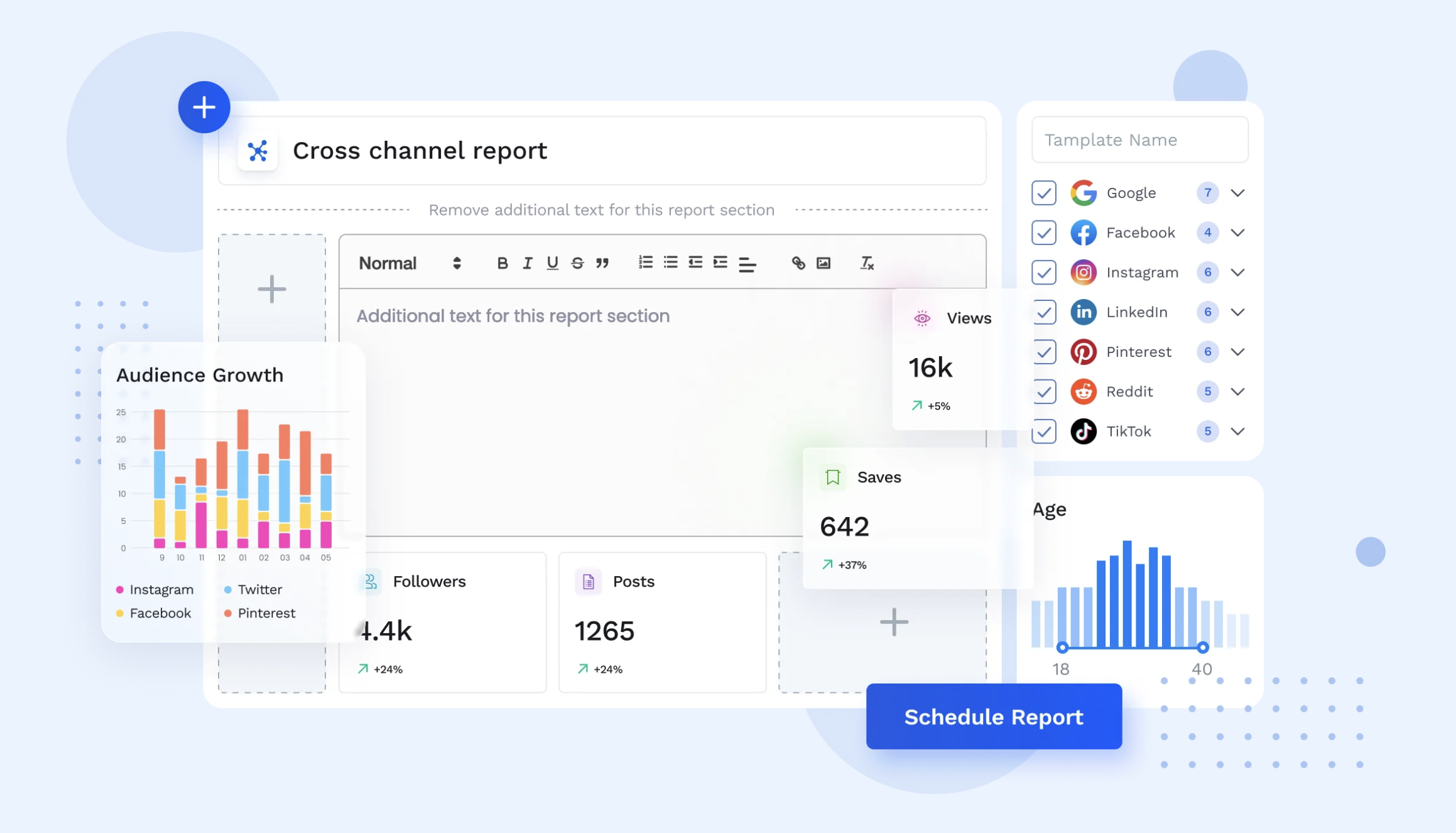
Vista Social angle
Vista Social’s current pricing page lists social, post-performance, web analytics, review, competitor, scheduled, custom, sentiment, and industry benchmark reporting capabilities across its plans. Exact plan availability should be verified before purchase.
Check Vista Social reporting features
If Vista Social matches your workflow, the button on this section is an affiliate link. We may receive a commission if you purchase through it, at no added cost to you.