Vista Social review: an all-in-one workflow platform for social teams
 Official Vista Social product mark · merchant-supplied asset
Vista Social has expanded well beyond scheduling. Its current product pages emphasize publishing, collaboration, inbox and DM automation, reporting, listening, review management, employee advocacy, AI features, and project work. The strongest fit is generally teams that want more of the social workflow in one system.
This page contains Vista Social affiliate links. We may receive a commission when purchases are made through those links.
The short version
Best fit: agencies, social media managers, and growing teams managing multiple profiles, stakeholders, or clients.
Most compelling when: approvals, inbox work, reporting, automations, and client workflows matter alongside scheduling.
Verify before buying: the current plan price, user/profile limits, X add-on cost, listening add-ons, advocacy pricing, and which reporting/automation features sit on each tier.
What Vista Social currently bundles
Plan & publish
Visual calendar, unlimited scheduling on public paid tiers, drafts, bulk scheduling, media workflows, suggested times, and content tools.
Engage
Unified social inbox, internal notes, saved replies, labels, task assignment, sentiment features, and DM automation.
Report
Social and post-performance reports, scheduled reports, competitor reporting, review reporting, and higher-tier custom reporting.
Operate
Approval workflows, client connection tools, AI capabilities, integrations, project work, listening, reviews, and optional advocacy.
What the Vista Social interface actually looks like
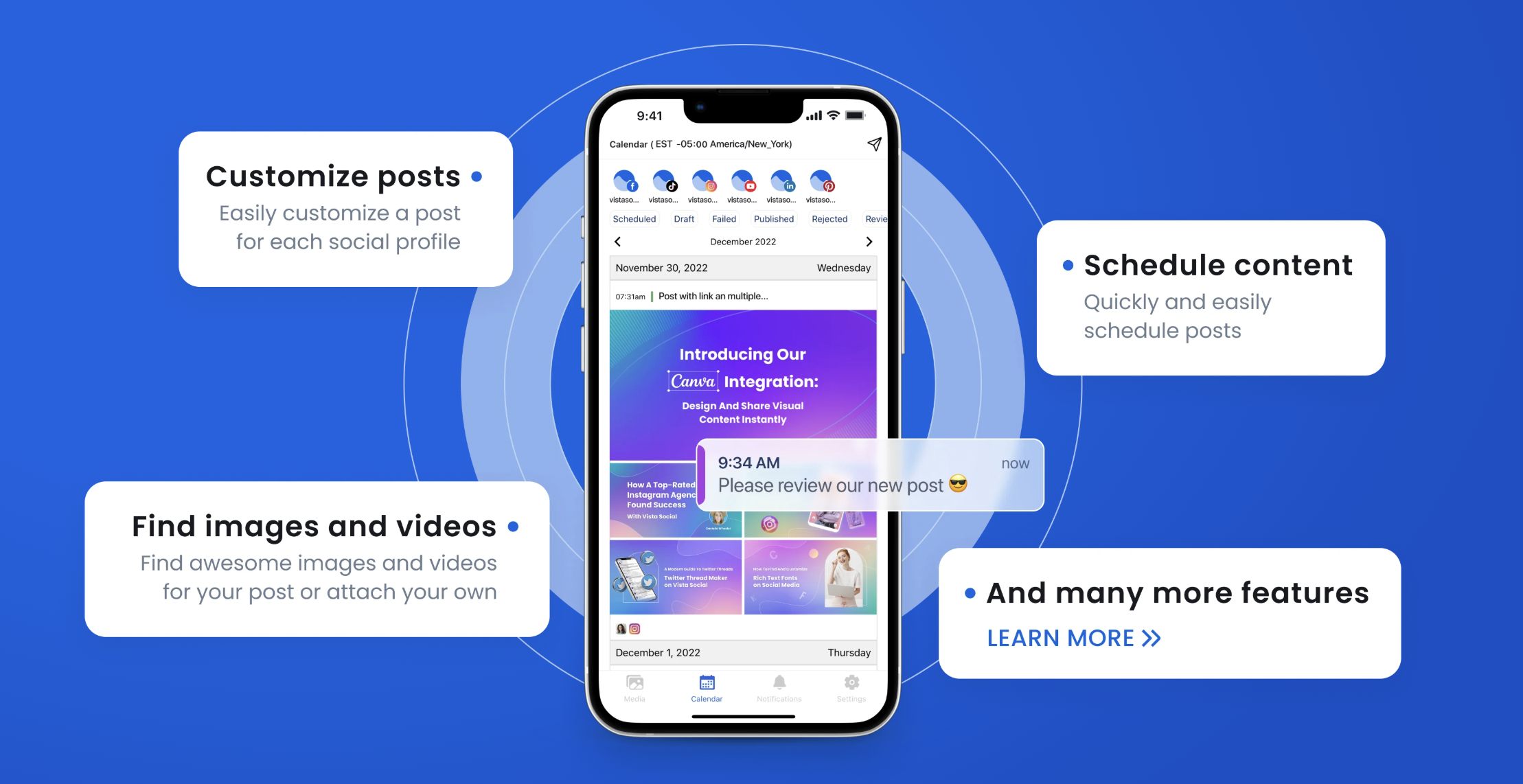
The affiliate kit’s feature explainers document concrete workflows for scheduling, multi-platform publishing, AI-assisted content creation, the unified inbox, DM automation, reporting, listening, team collaboration, link-in-bio, and white-labeling.
- Scheduling: create a post, select profiles, add copy/media, preview by platform, then schedule.
- Multi-platform publishing: customize captions, hashtags, or formatting for each network before publishing.
- Team collaboration: manage roles, permissions, and approval workflows for selected users.
- Reporting: run post, profile, or campaign reports and export or share them.
Why agencies are a natural target audience
Vista Social’s agency page focuses on client onboarding, profile separation, approval workflows, permissions, bulk scheduling, client reporting, white-label capabilities, unified engagement, and scaling multi-client work. That makes agency-oriented searches a high-value route into the product.
Tradeoffs to check before you commit
- The product changes quickly, so older reviews can become stale.
- Some capabilities are add-ons rather than included in every plan.
- X publishing/analytics has a separate per-profile add-on according to Vista Social’s current support documentation.
- Teams focused only on simple solo scheduling may not need the platform’s broader workflow depth.
- Feature-rich platforms usually require more setup than lightweight schedulers.
Merchant-supplied promotional creative
The image below is an official affiliate asset and is displayed unmodified. The linked image is an affiliate link.

Sources checked
Try Vista Social
If Vista Social matches your workflow, the button on this section is an affiliate link. We may receive a commission if you purchase through it, at no added cost to you.